Clean up iPhone storage without giving up control
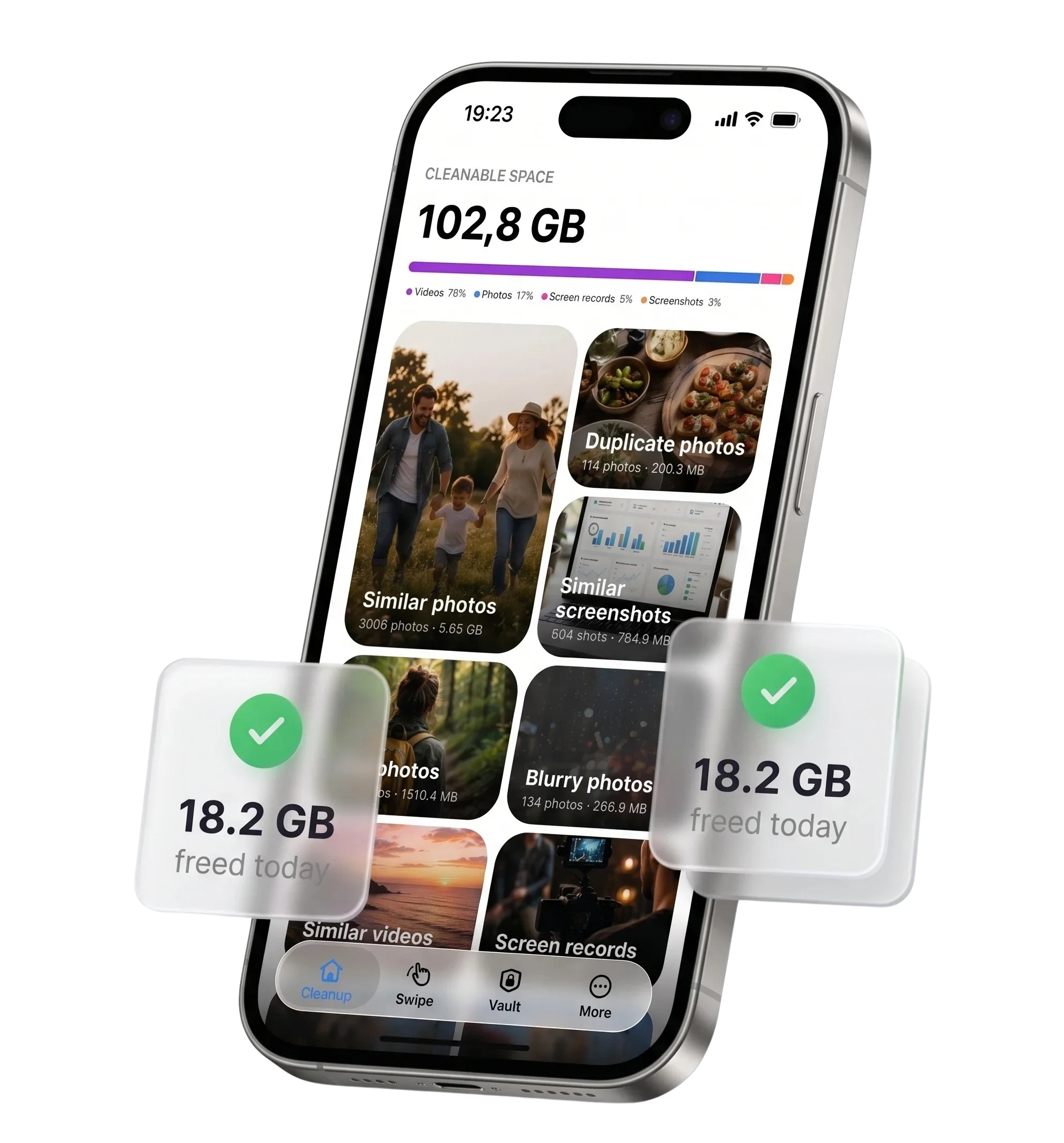
Cleanzly brings the biggest storage-cleaning tasks into one private workflow: find duplicate and similar photos, review screenshots, compress large videos, and organize contacts. You decide what changes, and core cleanup processing happens on your iPhone.
Quick answer
Start by checking which category uses the most space, then review the largest safe wins first: duplicate media, screenshots, long videos, and apps you no longer use. Cleanzly helps with the photo, video, contact, and calendar parts of that process while keeping every deletion under your control.
What an iPhone storage cleaner can actually clean
iOS protects system files, so a trustworthy cleaner should not promise to remove mysterious system cache or magically speed up the phone. The useful opportunities are content you own and can review: photos, videos, screenshots, contacts, calendar events, and private files.
Cleanzly organizes those categories and shows candidates for review. It does not automatically erase your library or upload it to a remote server for analysis.
- Exact duplicates and groups of visually similar photos
- Large videos and screen recordings that can be compressed
- Screenshots and other media you choose to remove
- Duplicate contacts and repeated calendar events
- Sensitive files you want to keep in a protected Vault
A safer order for freeing space
Begin with Settings → General → iPhone Storage. This shows whether Photos, videos, apps, messages, or downloaded files are the real cause. Cleaning the wrong category wastes time and may not change the storage warning.
Inside Cleanzly, review exact duplicates first, then screenshots and obvious unwanted media, followed by large videos. Similar-photo groups require more judgment, so the app suggests a keeper but leaves the final decision to you.
- Check the iPhone Storage breakdown.
- Remove exact duplicates and unwanted screenshots.
- Review large videos and choose whether to compress or remove them.
- Review similar photos rather than deleting them automatically.
- Empty Recently Deleted only after confirming you no longer need the files.
Privacy is part of the cleanup design
A photo library can contain faces, locations, documents, and private moments. Cleanzly performs its core media analysis on-device, does not require an account for cleanup, and does not send your photo library to a cloud service.
You still control iOS permissions. You can review the access granted to Cleanzly in Settings and remove access whenever you want.
Common questions
Can Cleanzly clear iOS System Data?
No third-party App Store cleaner can directly erase protected iOS system files. Cleanzly focuses on media, contacts, events, and files you can safely review.
Does Cleanzly delete anything automatically?
No. The app organizes cleanup candidates and may suggest which photo to keep, but you review and confirm changes.
When will storage become available?
Deleted photos and videos normally remain in the iOS Recently Deleted album for up to 30 days. To reclaim that space immediately, review and empty that album manually.
Sources and further reading
Review your storage privately
Cleanzly keeps core cleanup processing on your iPhone and lets you confirm every change.
Download on theApp Store